|
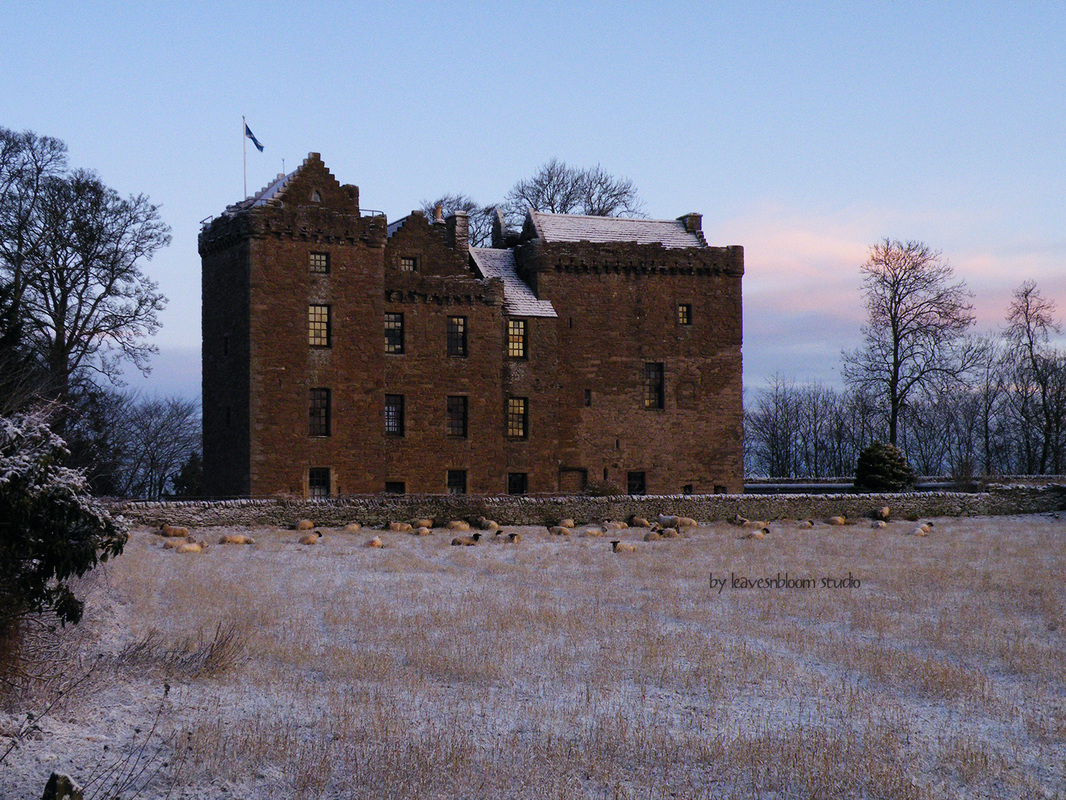
This week's Edit Me challenge photo comes from Rosie of Leavesnbloom Studio. I took advantage of this sleepy-sheepy castle scene to try out a new technique: imitating the effect of a tilt-shift lens.
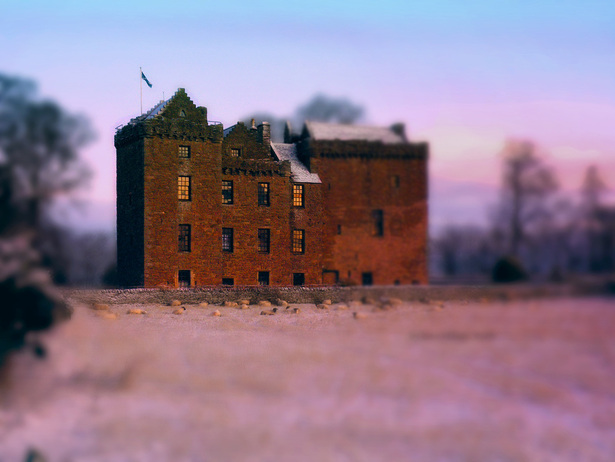
I adjusted the blurry and non-blurry portions with a low-opacity black brush and a low-opacity eraser. The rest was just tweaking colors. I'll probably get better at making it look more realistic with practice (and by more realistic, I mean of course more fake-miniature).


2/18/2012 02:11:28 am
Very nice focus on this castle! All else is veiled in "mystery" 2/18/2012 04:49:25 am
You should see those blocky bits with large icicles hanging from them! It sure is an edited scene shrouded in mystery. You've brightened up the colour of the castle walls really well and enhanced the sunrise reflection in the panes of glass. Comments are closed.
|
Topics
All

Archives
May 2021
|

 RSS Feed
HOME |
PHOTOGRAPHY COLLECTIONS
|

© COPYRIGHT 2020. ALL RIGHTS RESERVED.
|