|
I found this tutorial the other day by Darcy of Life With My 3 Boybarians, and it was so incredibly useful, I thought I should share it. I have an old version of Photoshop Elements, and it has long been sufficient for my skill level, but I have learned so much in the last month or so that I fear I might outgrow it soon and need the (eep!) expensive full version...
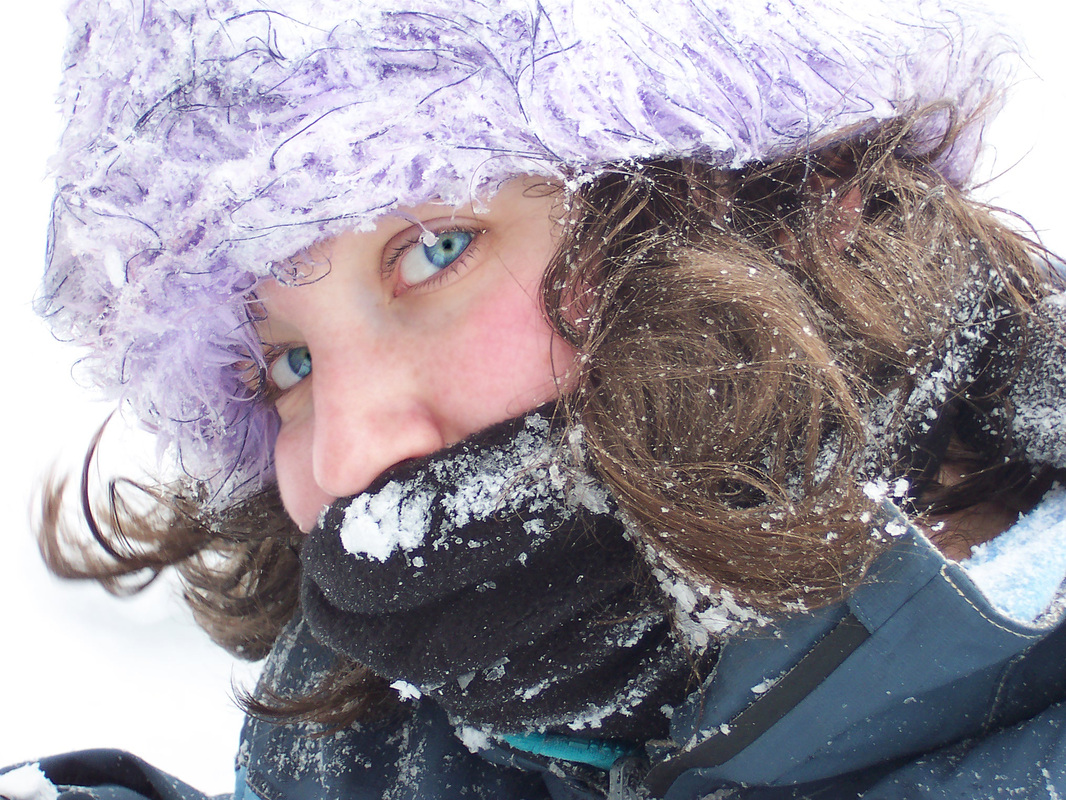
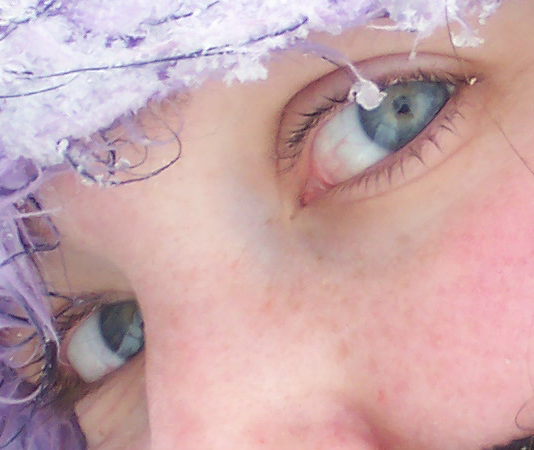
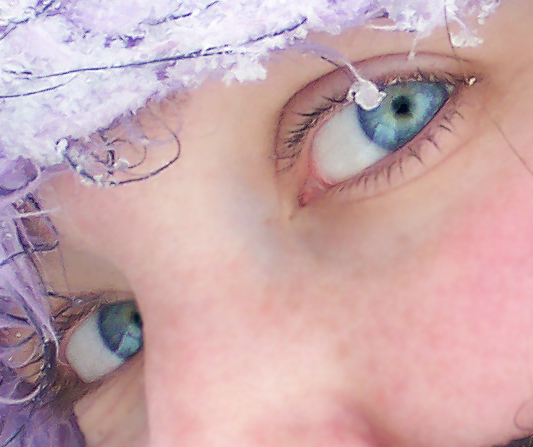
Even the old, stripped down model allows for accomplishing this magnificence: This photograph of my dear friend Katy in the snow has long been one of my favorites, because it showcases her eyes so well. Now with this Photoshop technique, I can really call attention to them.
My favorite thing about this edit is that it doesn't look fake (like my earlier attempts to accomplish this), it just looks cleaner, brighter, and clearer. It doesn't look like I changed the color, it just looks like I know how to focus my camera better. Portrait confidence, here I come!
See the How to Make Eyes Pop Photoshop Tutorial on Life With My 3 Boybarians. 
2/28/2011 11:17:02 am
fabulous job, it looks natural, just better. I'm gonna check out that tutorial as well and see if it's the same way I do eyes. : ) Thanks for linking up this week!
Tara
3/1/2011 12:04:02 am
Wow, you did fabulous!! I love her eyes and you made them natural...awesome. Comments are closed.
|
Topics
All

Archives
May 2021
|



 RSS Feed
HOME |
PHOTOGRAPHY COLLECTIONS
|

© COPYRIGHT 2020. ALL RIGHTS RESERVED.
|